7 min read
Set up deliveries
Configure delivery zones, rules, and use the calendar to plan fulfilment.
Open in RentalCrafter- 1
Configure delivery settings
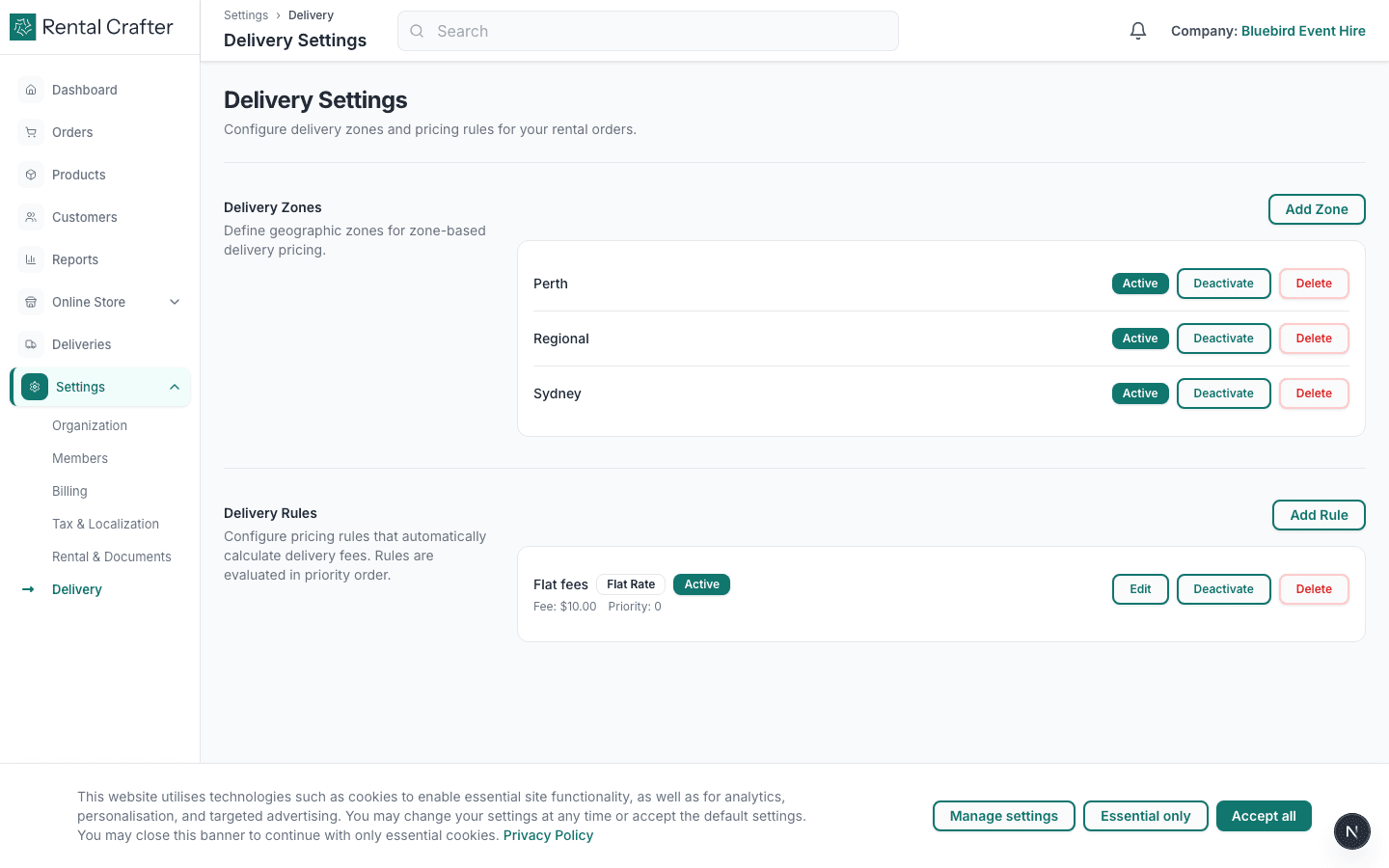
Go to Settings → Delivery. Define your fulfilment mode, business hours, and delivery zones. Zones let you charge different rates or restrict service areas.
- 2
Use the deliveries calendar
The Deliveries page shows upcoming drop-offs and pickups across all orders. Use it to plan routes and spot scheduling conflicts before the day of the event.
Tip: Filter by date range to print a weekly run sheet for your drivers.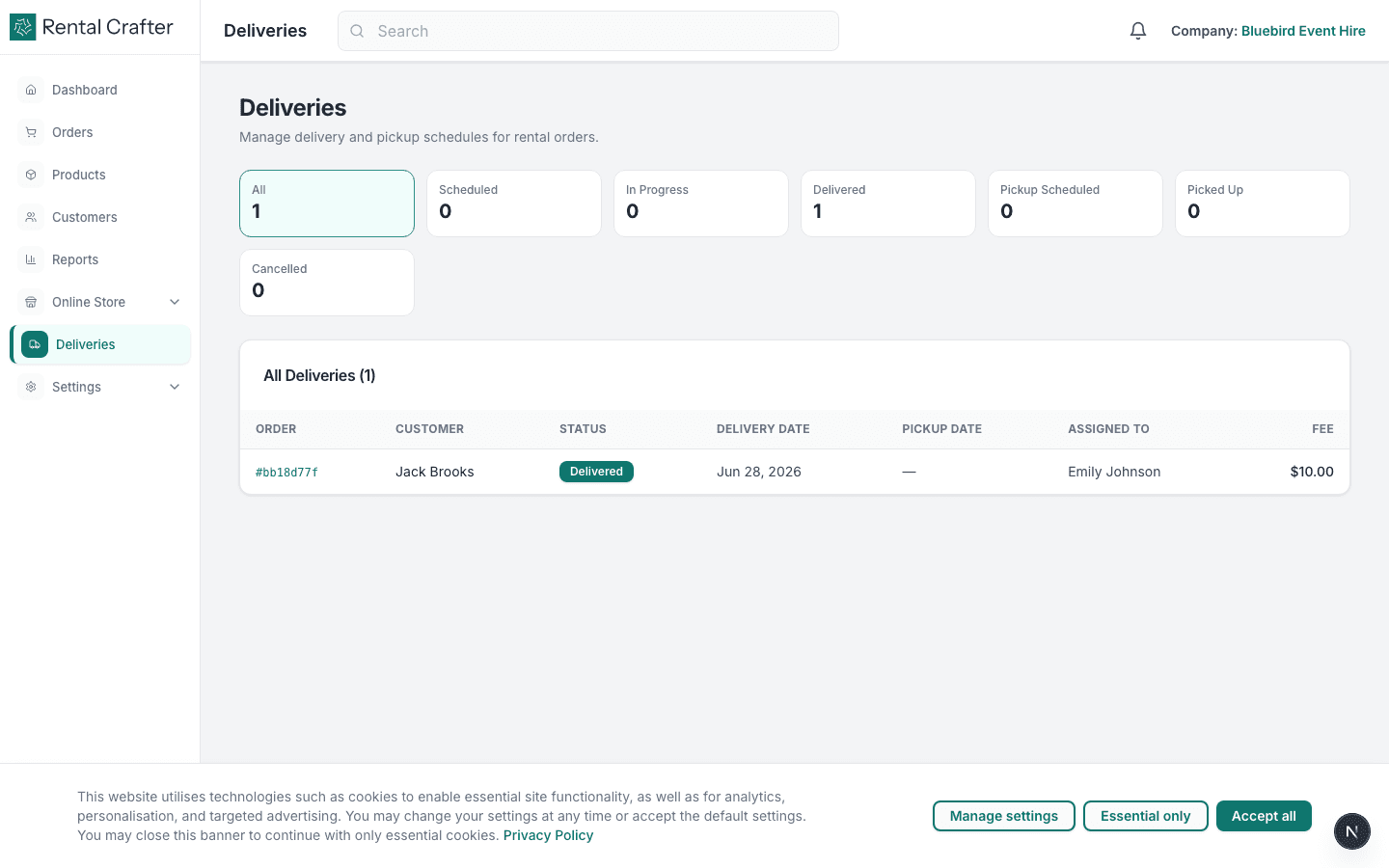
Related guides
Need hands-on help?
Email info@rentalcrafter.com or open a support ticket from Help & Support in your dashboard.