6 min read
Manage customers
Add individual or business customers and keep contact details ready for orders.
Open in RentalCrafter- 1
View your customer list
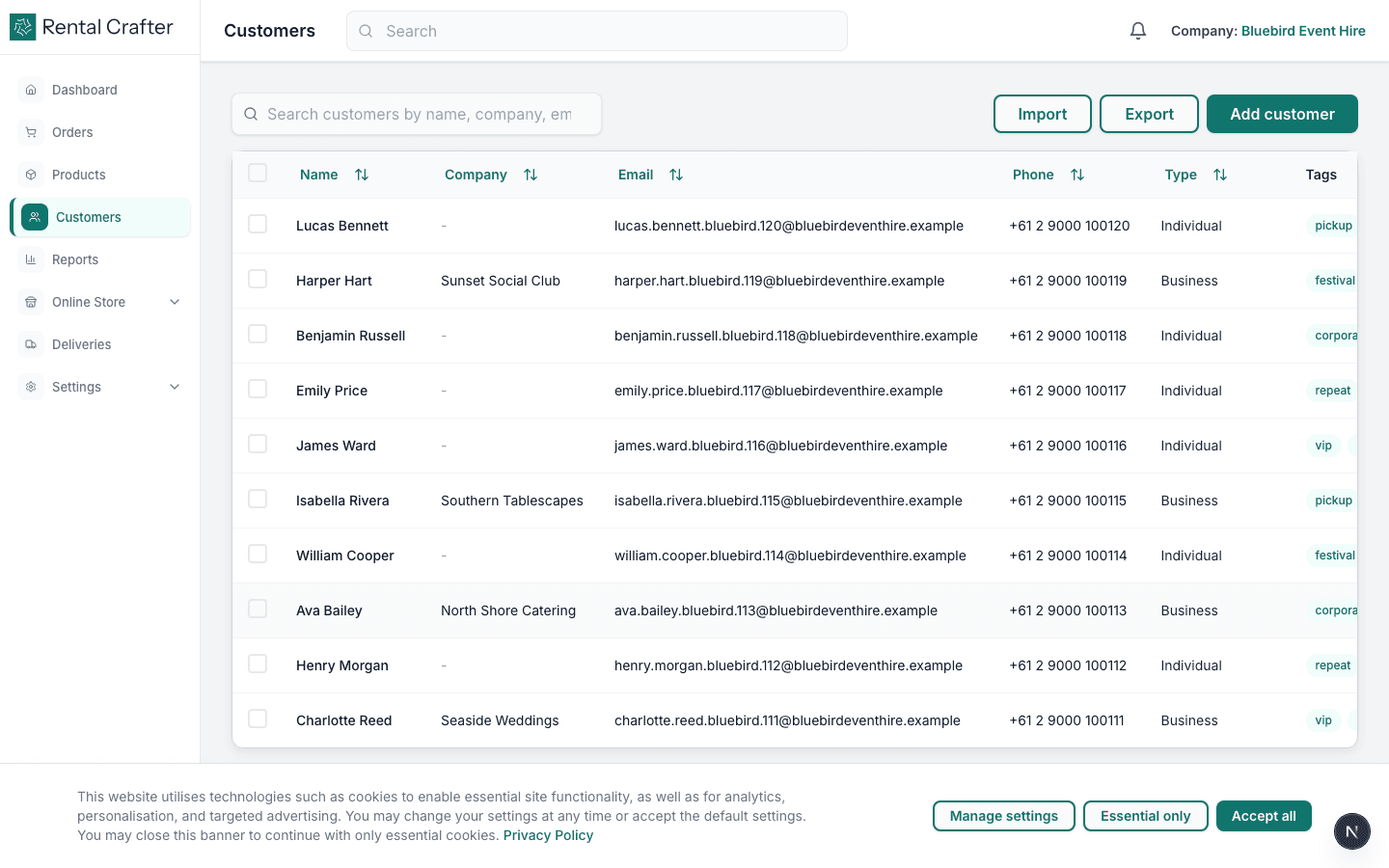
Click Customers in the sidebar. This is your CRM — every person or company you rent to should have a record here so orders, contracts, and payment links stay linked.
- 2
Add a new customer
Click Add customer. Enter first name, last name, email, and phone. For business clients, toggle Business and add a company name. The email is used for contract signing and payment links.
Tip: Add customers before creating orders — it speeds up booking and avoids re-typing details.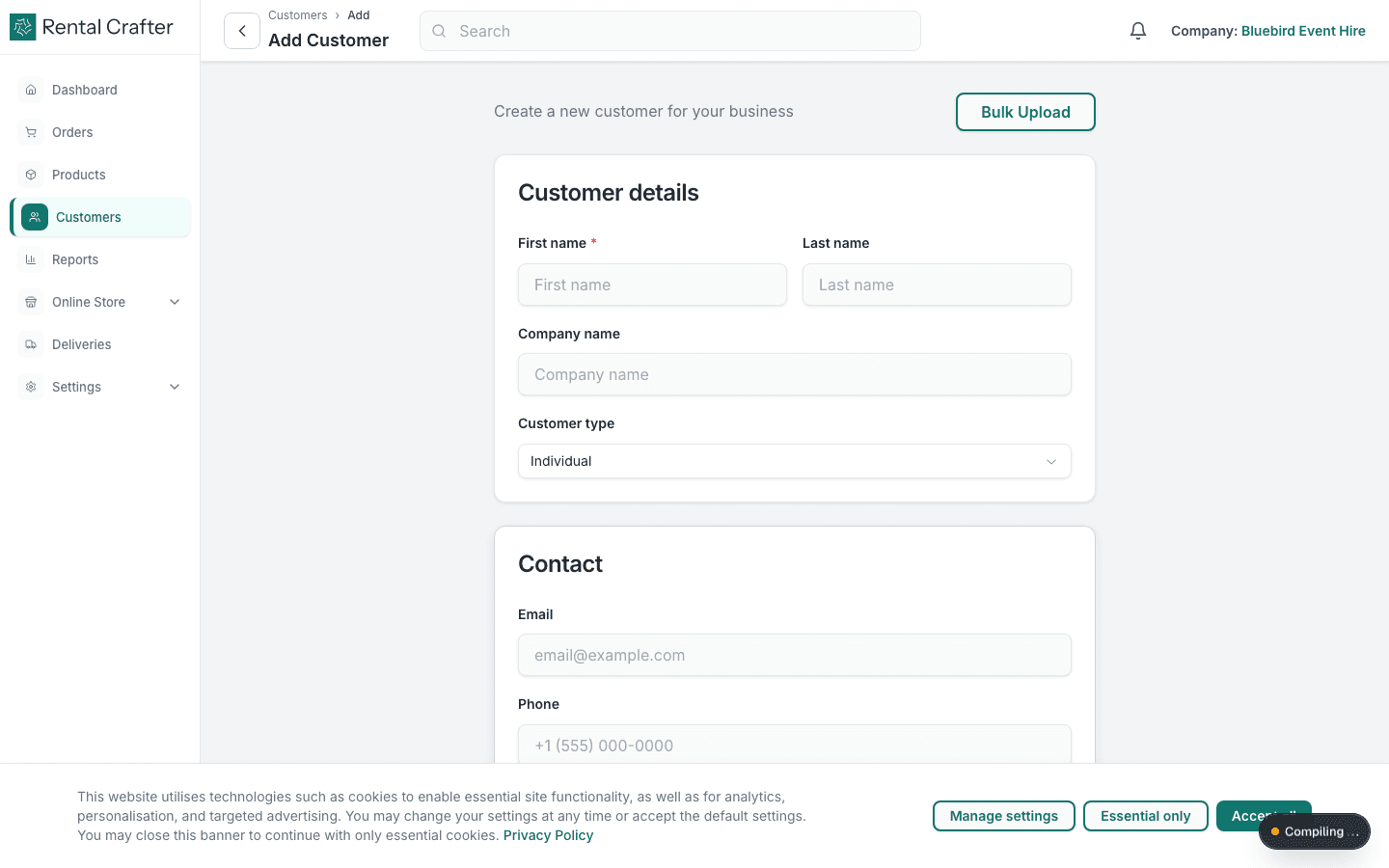
- 3
Import customers in bulk
If you are migrating from spreadsheets, use the CSV import on the Customers page. Download the template, fill in names and emails, and upload. Review the preview before confirming.
Tip: Clean up duplicate emails in your spreadsheet first — each email should be unique.
Troubleshooting
A customer did not receive a signing or payment email.
Open the customer record and confirm the email address is correct. Ask them to check spam. You can resend links from the order detail page.
Related guides
Need hands-on help?
Email info@rentalcrafter.com or open a support ticket from Help & Support in your dashboard.