8 min read
Team and workspace settings
Invite colleagues, configure tax, rental terms, and localisation.
Open in RentalCrafter- 1
Invite team members
Settings → Members lets account owners invite colleagues by email. Each member signs in with their own account. Member limits depend on your subscription plan.
Tip: Invited users receive an email link — they should accept the invite rather than registering separately.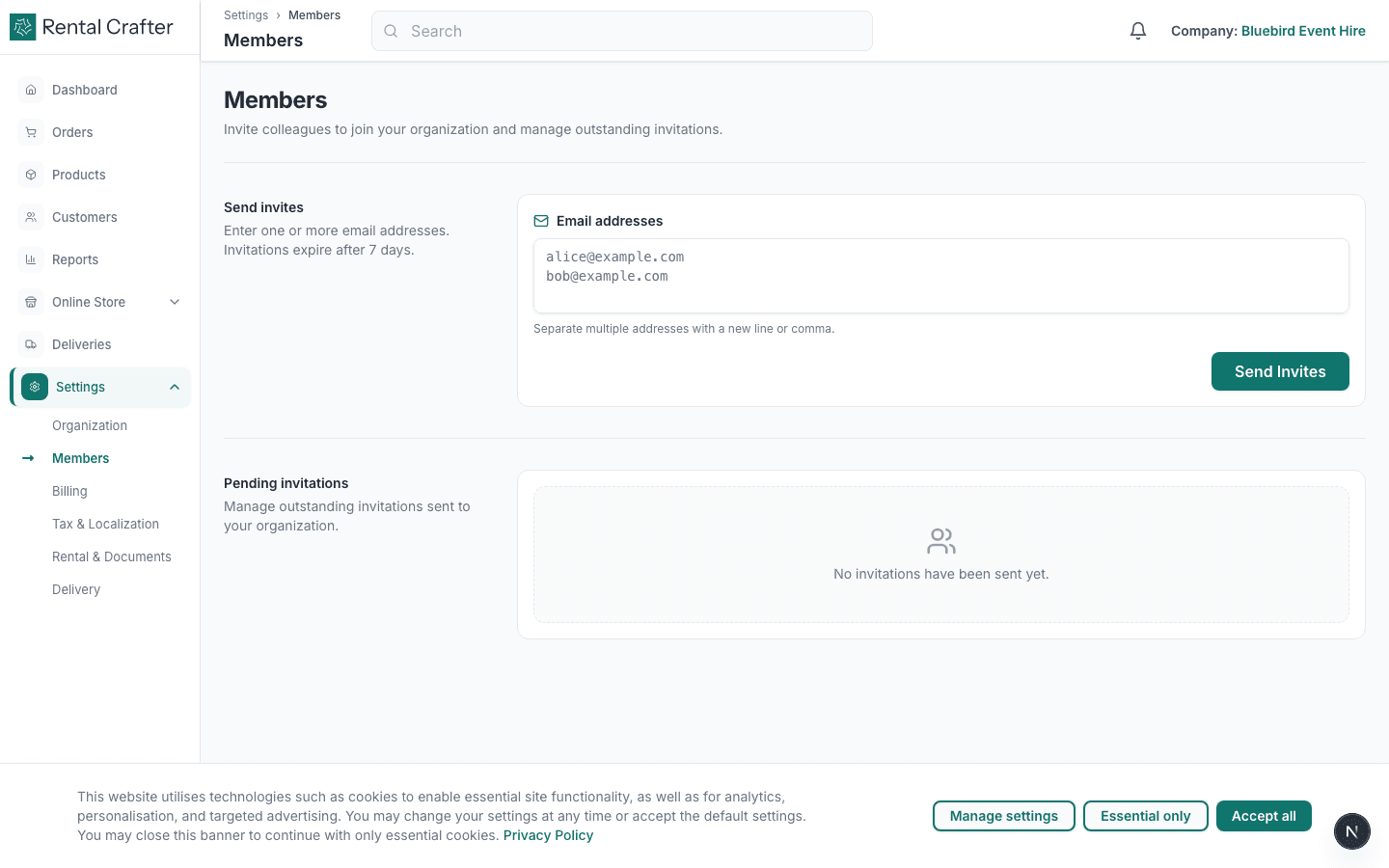
- 2
Set tax and localisation
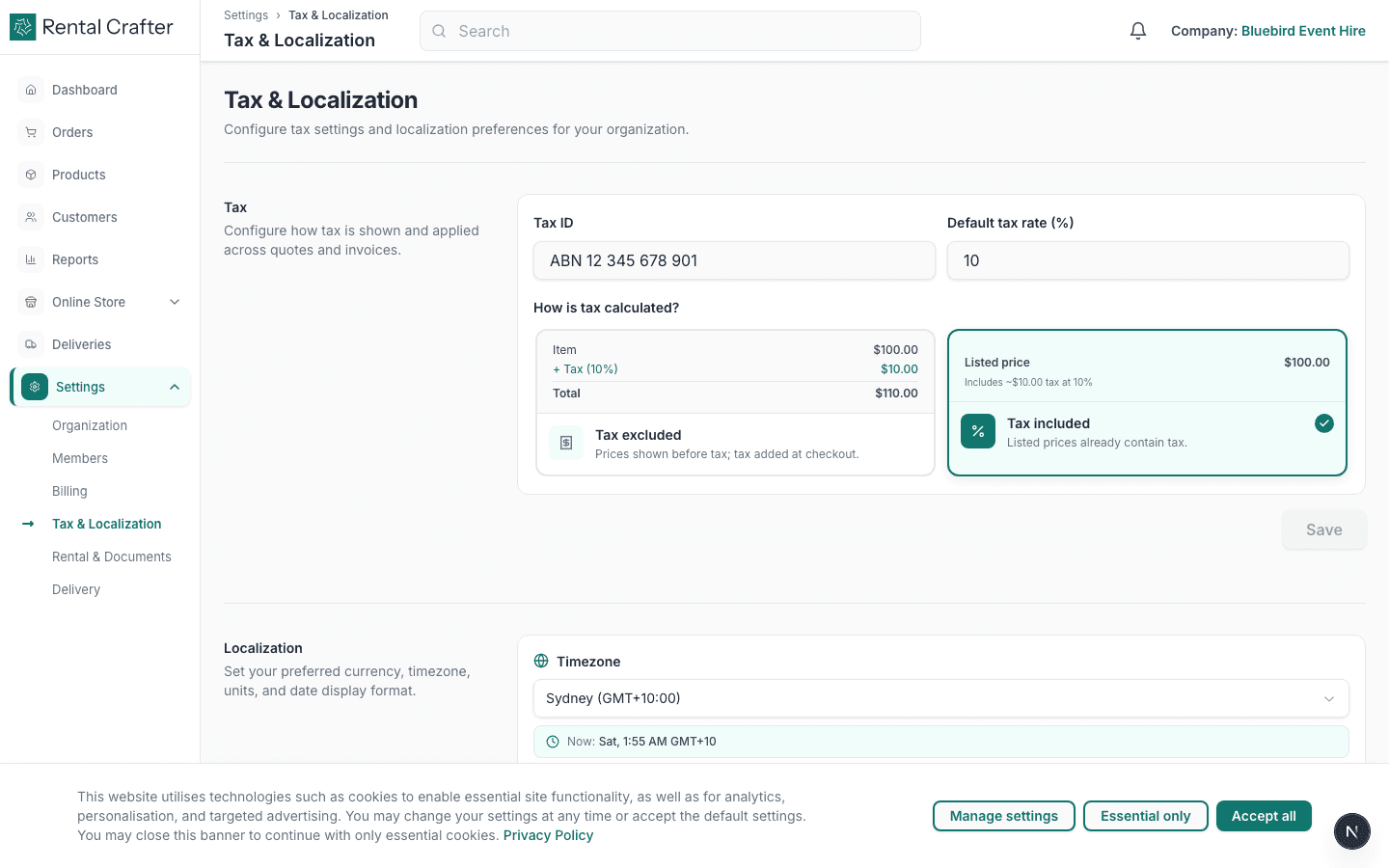
Under Tax & Localization, choose tax-inclusive or exclusive pricing, set your default tax rate, timezone, date format, and currency display. These affect quotes, checkout, and invoices.
- 3
Configure rental terms and documents
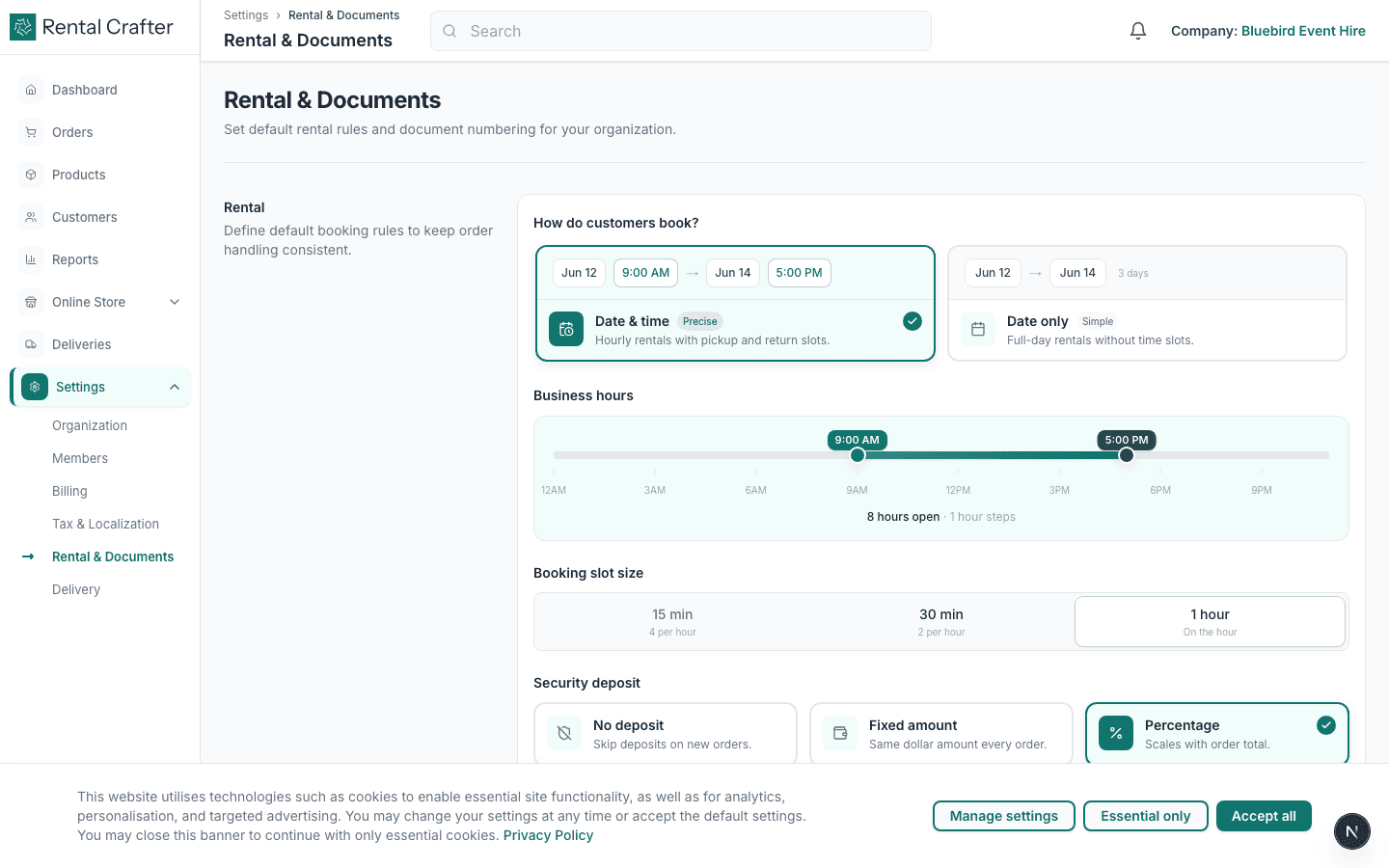
Settings → Rental & Documents controls default contract terms, signature requirements, and which workflow steps apply to new orders (signature, payment, in progress, completed).
- 4
Update organisation profile
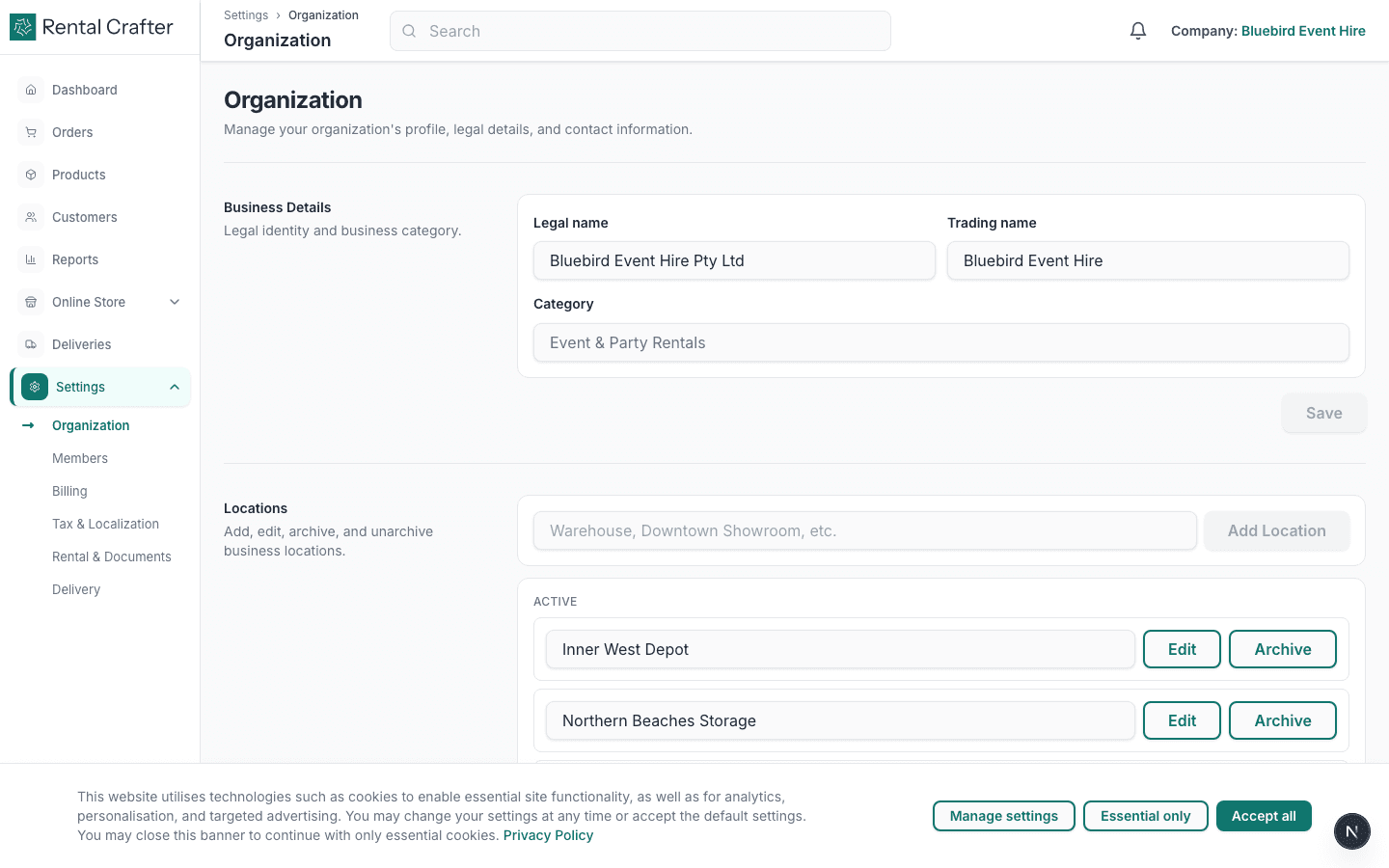
Settings → Organization is where you edit legal name, trading name, address, and contact details shown on contracts and customer communications.
Related guides
Need hands-on help?
Email info@rentalcrafter.com or open a support ticket from Help & Support in your dashboard.