3 min read
Get help from our team
Open support tickets, track requests, and find answers when you are stuck.
Open in RentalCrafter- 1
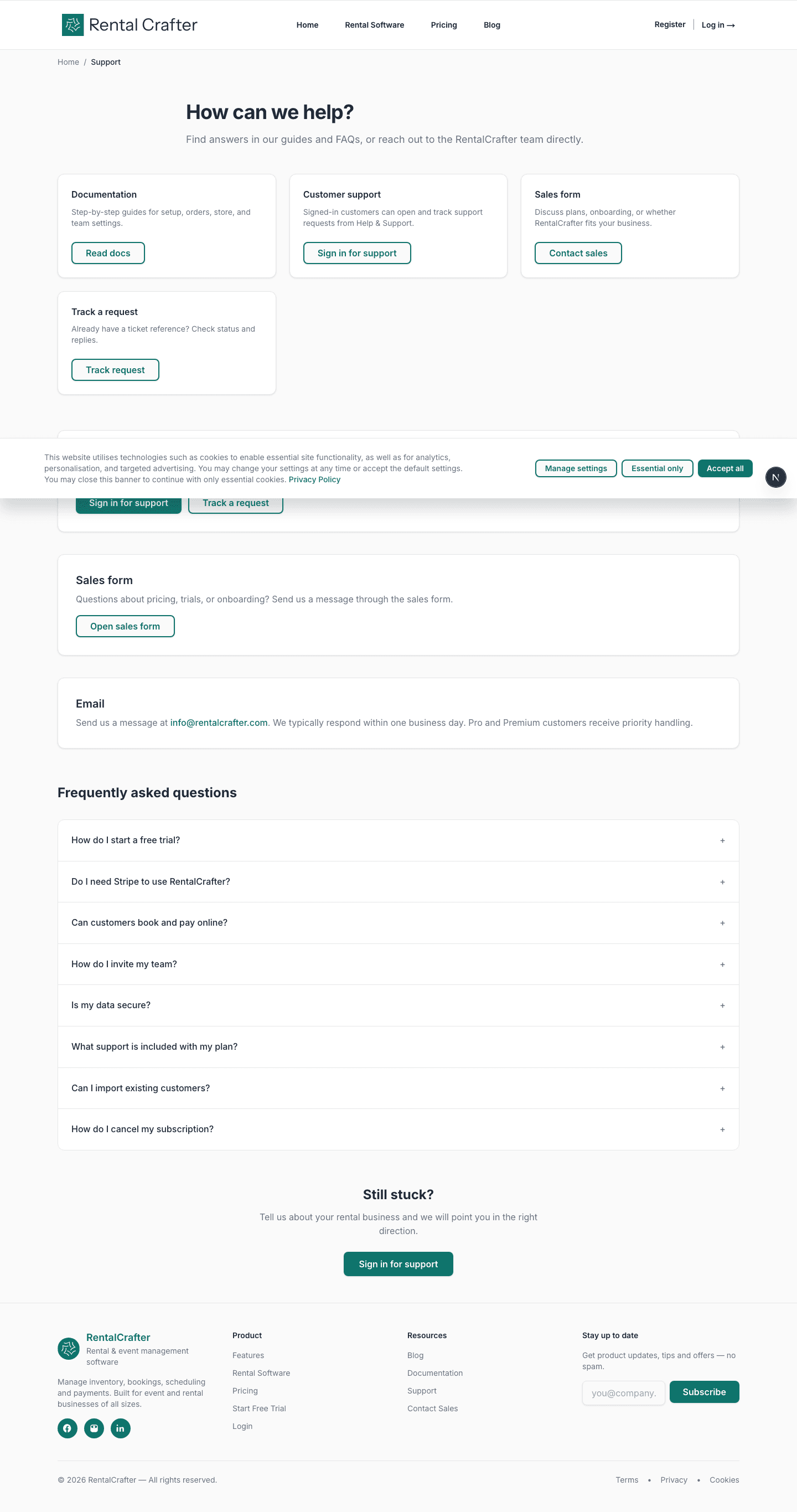
Browse FAQs and documentation
The public Support page answers common questions about trials, Stripe, team invites, and data security. Start here for quick answers before opening a ticket.
- 2
Sign in for personalised support
From Help & Support in your account sidebar (or User menu → Help), submit a support request. Signed-in tickets are linked to your account so our team can see your organisation context.
Tip: Include your order ID or a screenshot when reporting a bug — it helps us resolve issues faster.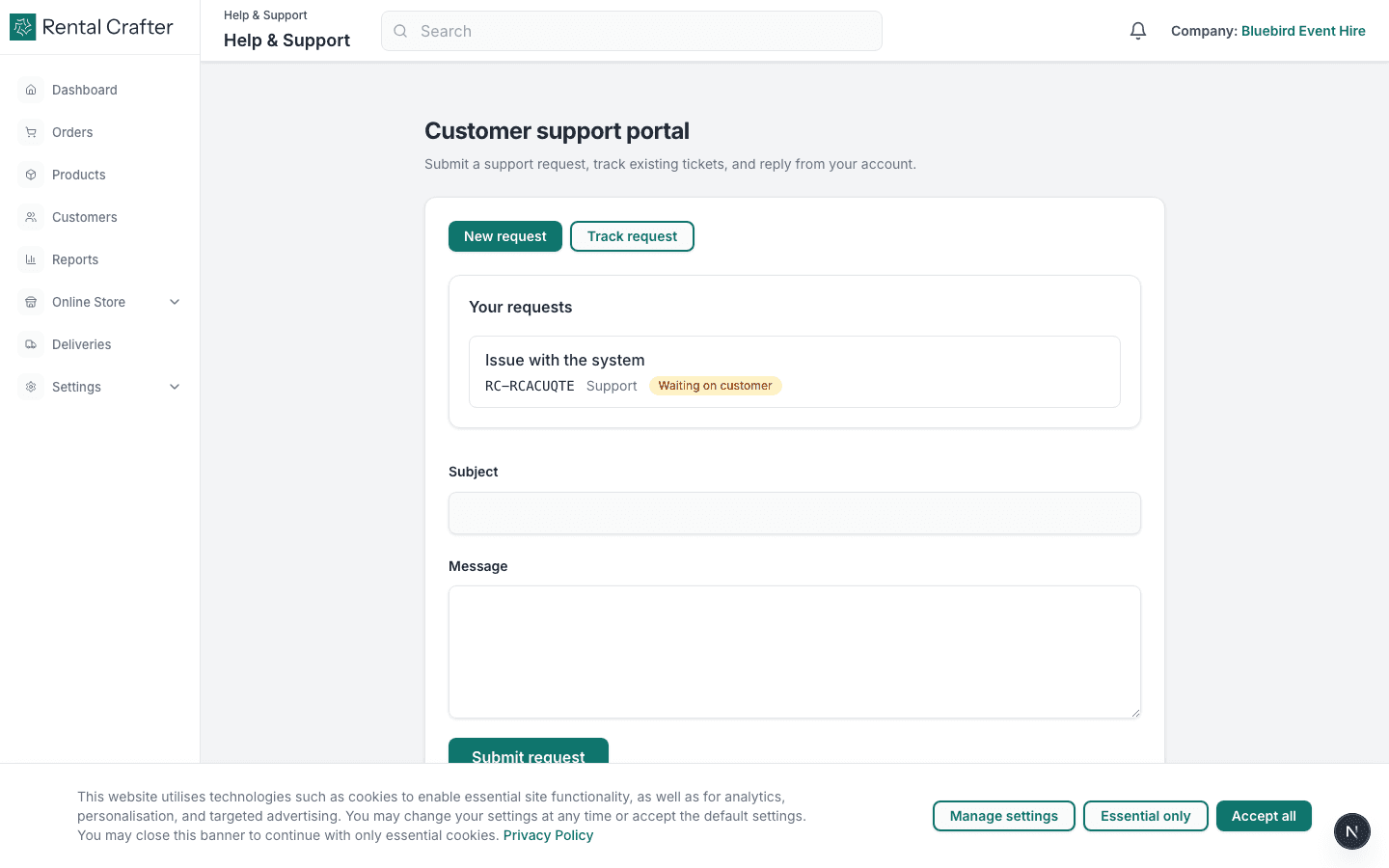
- 3
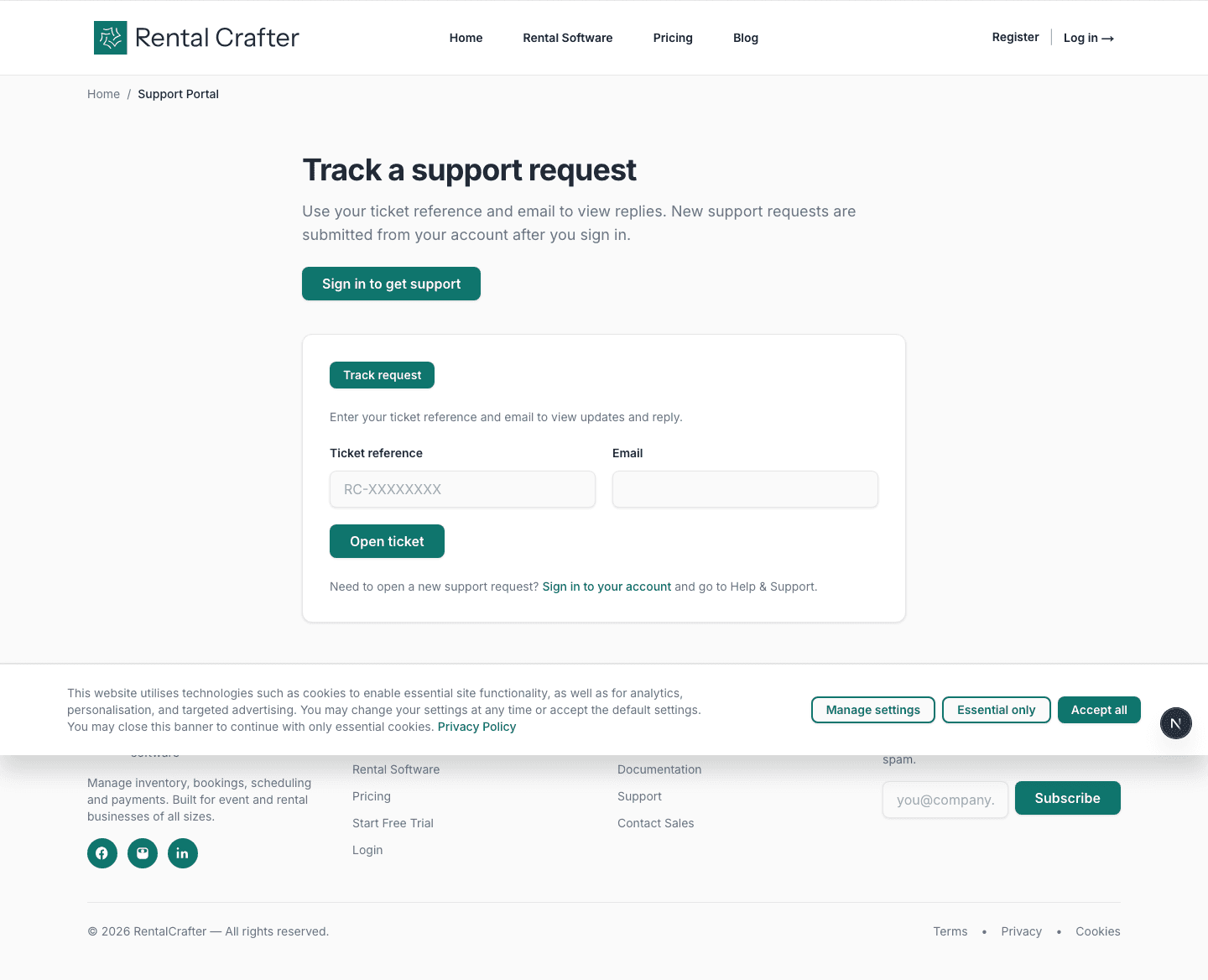
Track an existing request
If you already have a ticket reference, use the support portal track page to check status and read replies without signing in.
Related guides
Need hands-on help?
Email info@rentalcrafter.com or open a support ticket from Help & Support in your dashboard.